Insights & Buyer’s Guides

The Malibu Blog

Straight answers on access control — ownership and licensing, cloud vs. on-premise, and the questions worth asking before you sign anything.

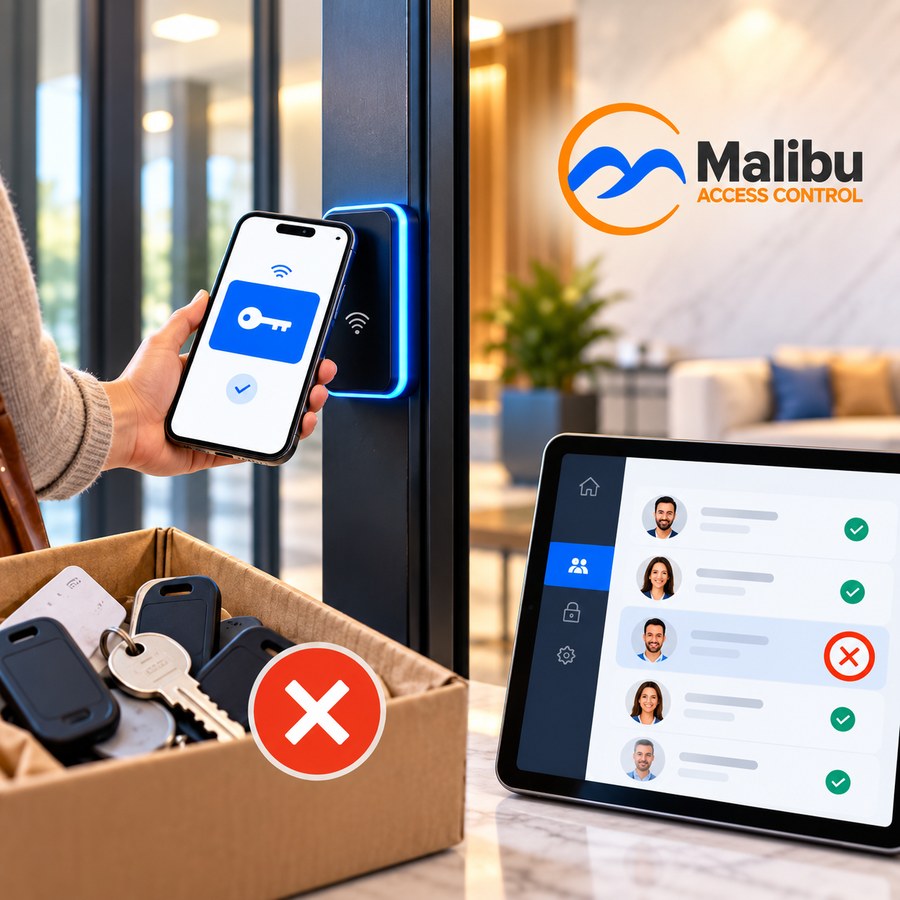
In an apartment building lobby, a resident opens a door by holding a phone showing a blue key credential to a glowing Malibu reader, beside a moving box full of old keys, fobs, and cards, while a property manager revokes one resident’s access on a tablet list where everyone else shows a green checkmark.
Multi-Family

Resident Turnover Is Quietly Costing You Money

Every move-out is an access control problem. Here’s where the cost hides, and how to stop paying it.

Every lease that ends leaves behind a question most property managers never fully answer: did every key, fob, and code that resident had actually stop working? Here’s where turnover quietly costs apartment and condo communities money, and what changes when access lives in software.

|5 min read

Read the Article

More Articles

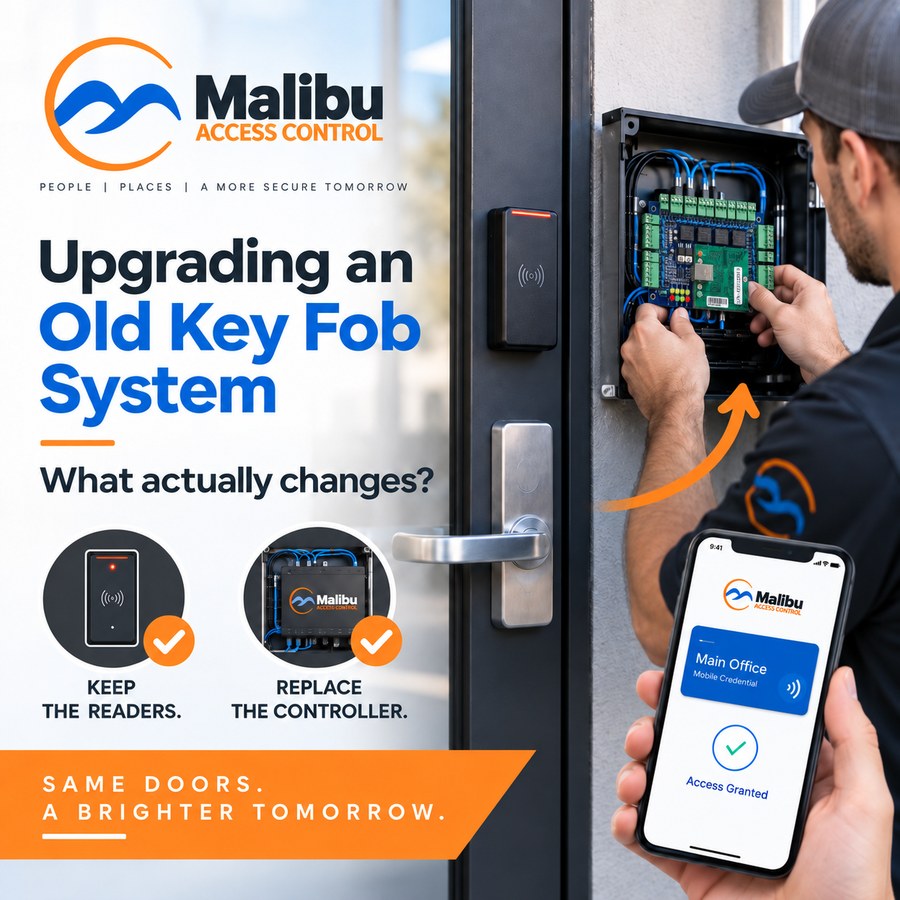
A technician replacing the circuit board inside a wall-mounted controller enclosure beside an office door that keeps its existing reader and lever lock, with an arrow reading "just the controller changes," checkmarked icons for keeping the same readers and locks, and a phone showing a Main Office mobile credential and "Access granted."
Getting Started

Upgrading From an Old Key Fob System?

If you’ve put off replacing an aging key fob system because you assume it means tearing the whole thing out, that’s not how a Malibu retrofit usually goes. In most cases the readers, locks, and wiring stay exactly where they are — the controller is the part that changes.

|4 min read

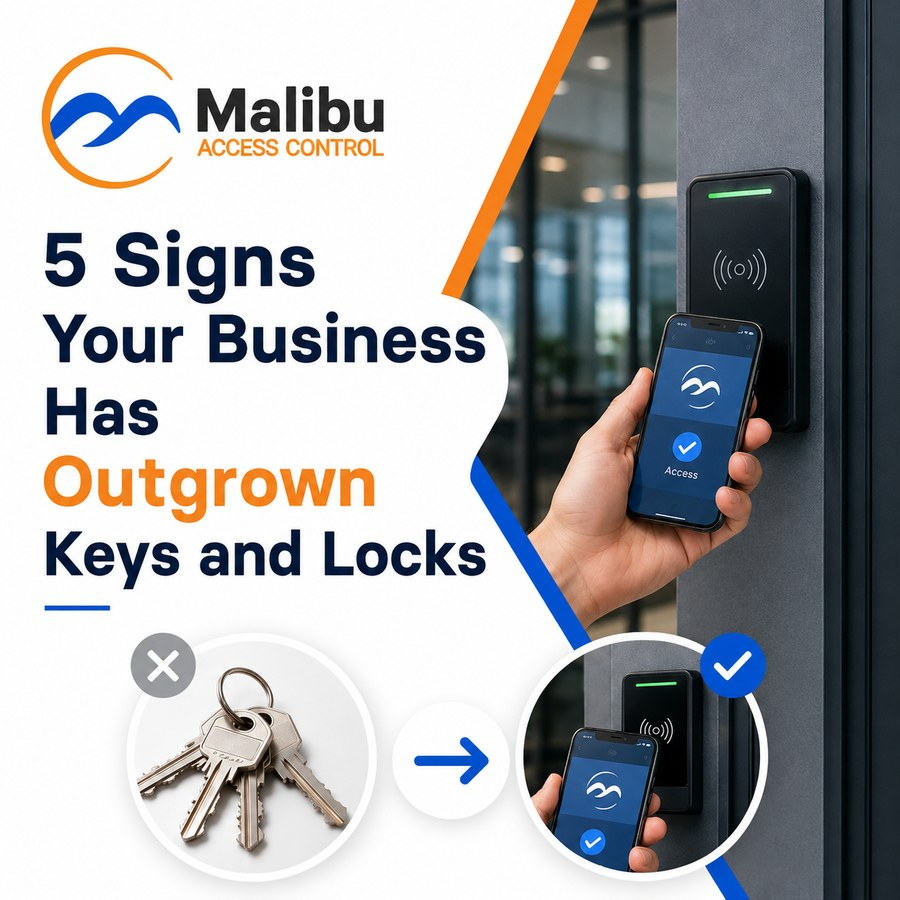
A crossed-out ring of brass keys with an arrow pointing to a checkmarked phone tapping a Malibu reader at the glass door of an office building, beside the headline "5 Signs Your Business Has Outgrown Keys and Locks."
Getting Started

5 Signs Your Business Has Outgrown Keys and Locks

You hand a new hire a key on their first day. Six months later they leave, and you’re left wondering whether they ever made a copy — here are five signs it’s time to think about something better.

|4 min read

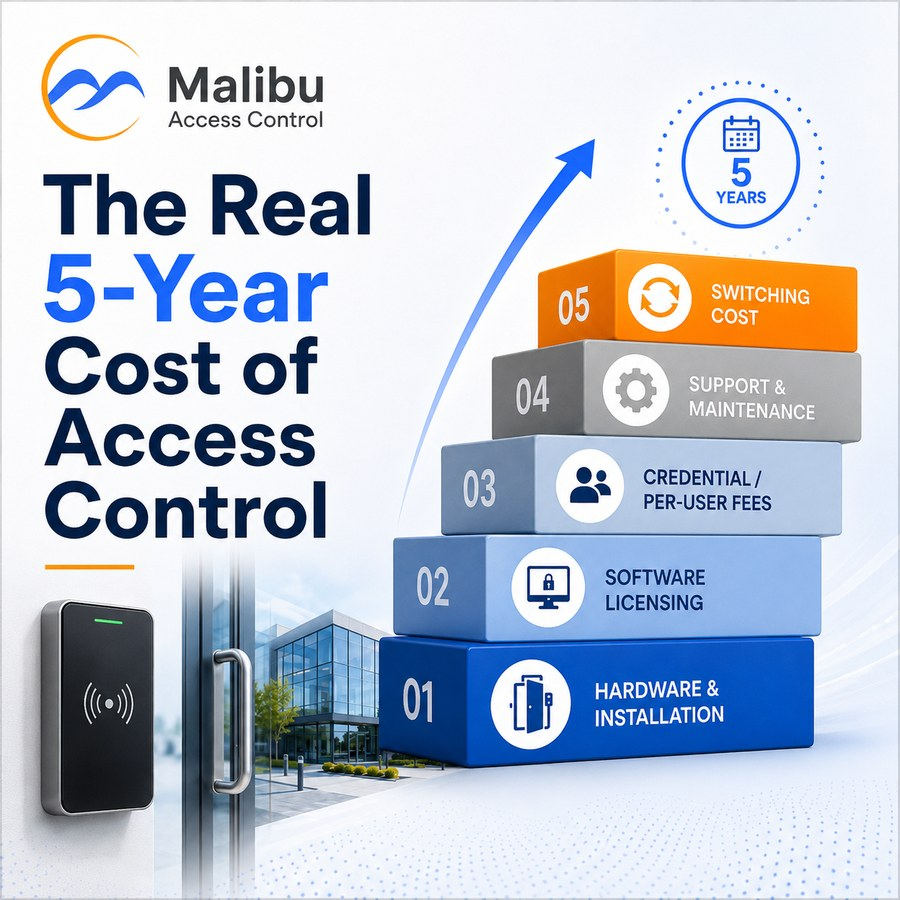
Five stacked blocks numbered 01 to 05 — hardware and installation, software licensing, credential / per-user fees, support and maintenance, and switching cost — climbing under a rising arrow toward a "5 years" badge, beside a Malibu reader mounted at the glass door of an office building.
Buyer's Guide

The Real 5-Year Cost of Access Control

It’s tempting to compare access control quotes on one number: the installation price. That number tells you what you’ll pay on day one — here are the five cost categories that decide what you’ll pay by year five.

|4 min read

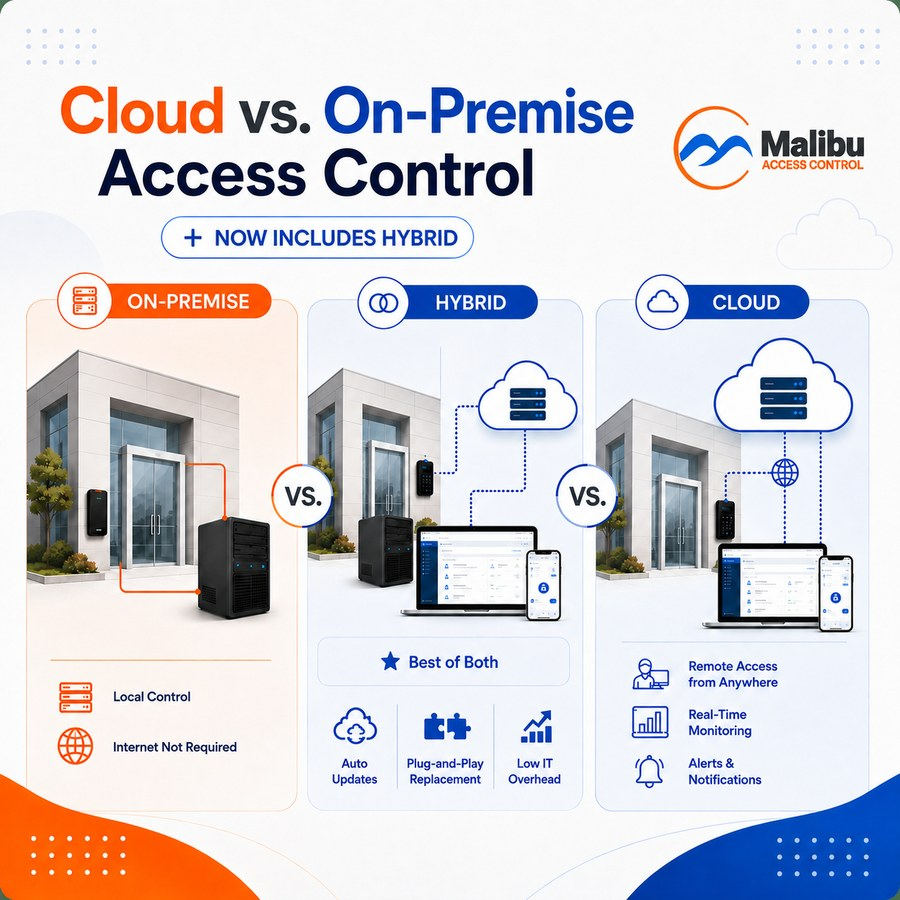
Three side-by-side panels comparing where an access control system's brain lives, each showing the same glass-fronted building with readers at the door — On-Premise, with a local server tower and "internet not required"; Hybrid, adding cloud-based remote management on a laptop and phone alongside auto updates, plug-and-play replacement and low IT overhead; and Cloud, managed remotely from anywhere.
Getting Started

Cloud vs. On-Premise Access Control

Dealers throw around “cloud-based” and “on-premise” like you’re supposed to already have a preference. You don’t need one — here’s what the terms actually mean for your building, plus the hybrid option most buyer’s guides skip over.

|7 min read

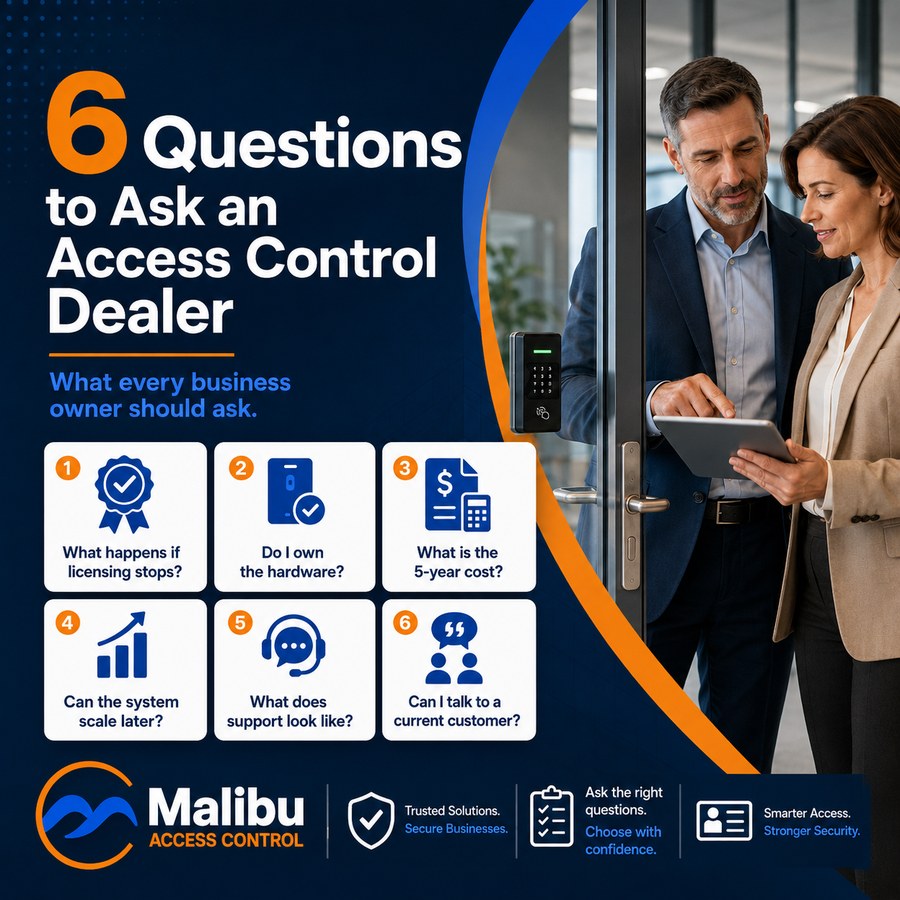
Six numbered question cards — what happens if licensing stops, do I own the hardware, what is the 5-year cost, can the system scale later, what does support look like, can I talk to a current customer — beside two people reviewing a tablet at a door fitted with a Malibu keypad reader.
Buyer's Guide

6 Questions to Ask an Access Control Dealer

Choosing an access control system is really choosing a Dealer. Here are six questions worth asking every Dealer you talk to — their answers will tell you a lot more than their sales pitch will.

|3 min read

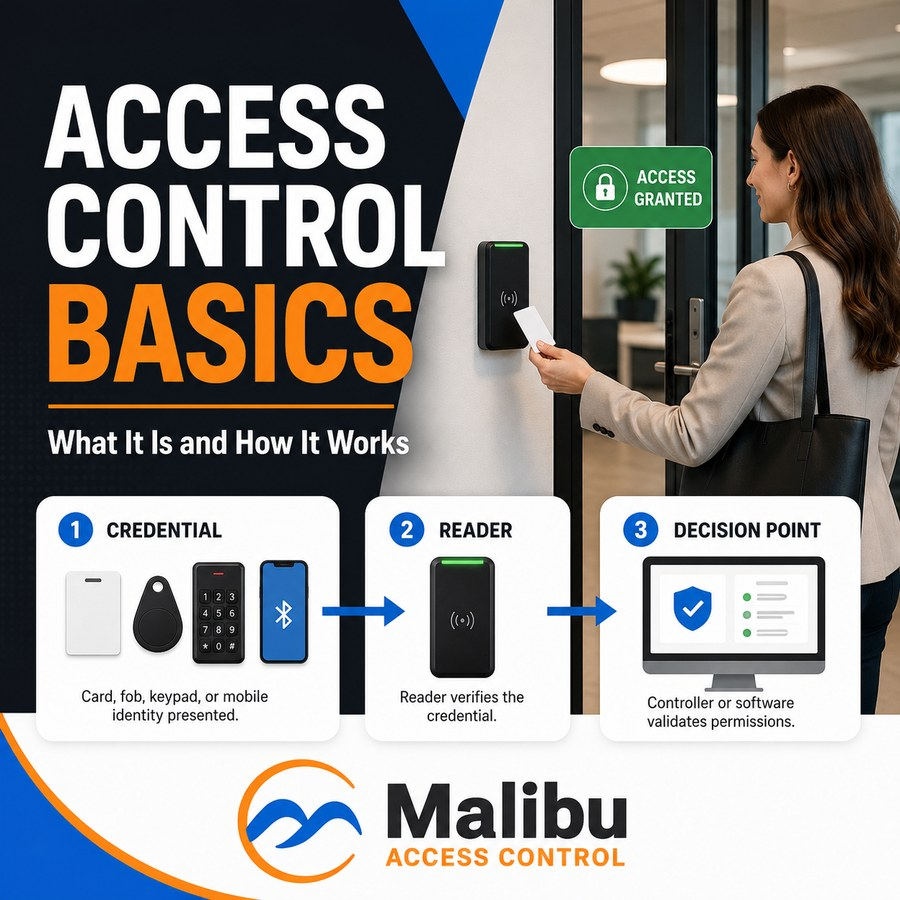
A three-step diagram — credential (card, fob, keypad, or mobile), then reader, then controller software making the decision — beside a person badging a card at a Malibu reader with an "Access granted" indicator.
Getting Started

Access Control Basics

If you've ever handed out a spare key and then spent months wondering who still has a copy, you already understand the core problem access control solves.

|4 min read

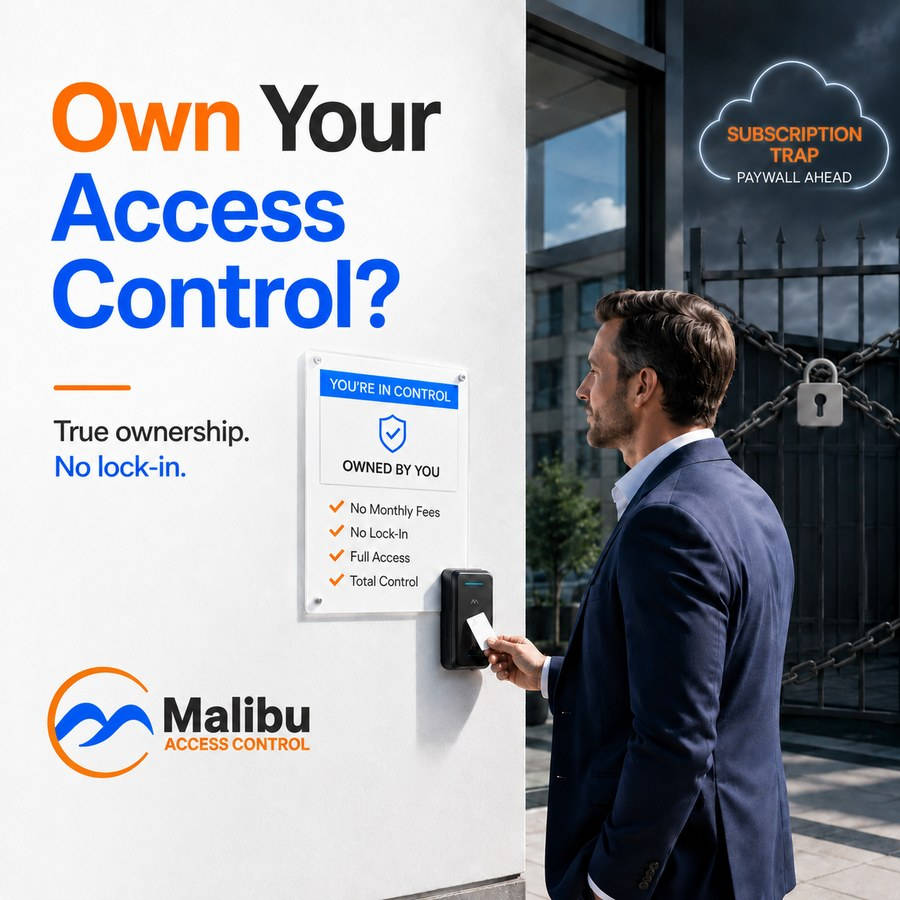
A man badges a card at a Malibu reader beside a sign reading "Owned by you — no monthly fees, no lock-in, full access, total control," opposite a chained and padlocked gate under a neon cloud warning about subscription paywalls.
Buyer's Guide

Do You Really Own Your Access Control System?

Most access control systems are sold like a security product but billed like a streaming service. Here's the question worth asking before you sign: if you stopped paying tomorrow, would your doors still work?

|3 min read

Have questions about your building?

A certified Malibu Dealer can walk you through your options — and give you straight answers on what you own.

Find a Dealer Near You