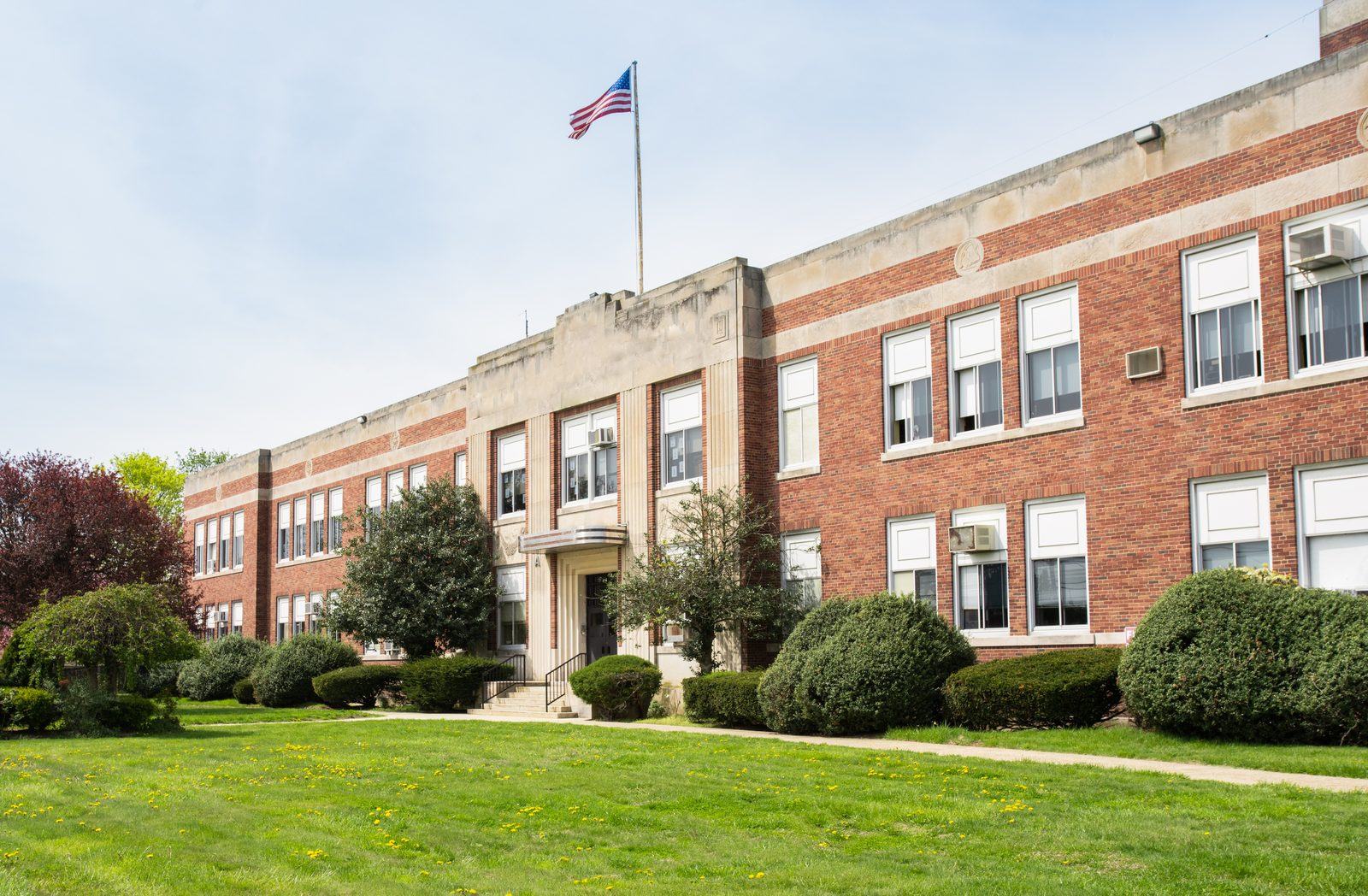
Access control for K-12 schools — every building on one system
Districts don't buy access control one school at a time. Malibu runs elementary, middle and high school buildings from a single console, with one credential per staff member across all of them.
District-wide, not building by building
Malibu runs in K-12 schools across elementary, middle and high school buildings. One county-wide district uses Malibu at every school it operates, and that case is the clearest illustration of what the system is for: standardization across a district rather than a different arrangement at each campus.
Most districts don't arrive at access control that way. They arrive with whatever each building was given when it was built or last renovated — a card system at the high school, keys everywhere else, a separate keypad on the gym that one person knows the code to. Every one of those is administered differently, and none of them talk to each other.
The value of standardizing isn't a longer feature list. It's that the district stops maintaining several unrelated systems and starts running one.
What standardizing actually changes
One console for every building
Elementary, middle and high schools administered from the same place, by the same people, instead of a separate system and a separate login per campus.
One credential per person
Staff who move between buildings — substitutes, maintenance, district administrators, coaches — carry one credential with the right permissions at each site, not a ring of keys per school.
Doors follow the bell schedule
Exterior doors unlock before the first bell and secure after the last one on a schedule, rather than depending on someone remembering to walk the building.
After-hours use without handing out keys
A community group using the gym or the auditorium on a Saturday becomes a scheduled window or a temporary credential that expires, instead of a key you hope comes back.
Turnover stops meaning rekeying
A staff member leaves and the credential is revoked in software, across every building, immediately. No locksmith, no collecting keys, no wondering which copies exist.
Adding a school doesn't start over
A new building joins the district's existing system with the same hardware and the same console. Growth is an addition, not a migration.
The door that's supposed to be secured, standing open
Every school has this problem, and it has nothing to do with anybody's intentions. A side door gets wedged for a delivery and stays wedged. A door is held for someone coming behind. A latch doesn't quite catch and the door sits fractionally open for the rest of the afternoon. Somebody props the gym door because walking around the building takes four minutes.
A schedule secures that door at the first bell, and a secured door that is standing open is not secured. The difference matters because it's the one failure a schedule can't catch by itself: the lock did its job, and the door was simply never allowed to close.
Malibu treats it as an event rather than a state nobody sees. A controlled door held open past a set interval alerts — audibly at the door, and to whoever the district designates, by text or email. Which doors alert, how long the interval is, and who hears about it are set per door, because a delivery entrance during a kitchen shift and an unused wing at midday do not deserve the same treatment.
One caveat worth stating plainly, because it changes what you can rely on: the audible alert at the door is produced by the hardware there and does not depend on the district network. Text and email do. If the connection to a building is down, the door still sounds; the message waits. As with anything on this page, how the system should behave in your district's own safety plan is a conversation for a Dealer and the officials who wrote the plan — not something to infer from a web page.
The doors a school actually puts on it
- Main entrances and secured vestibules
- Exterior doors on a bell schedule
- Gyms and auditoriums for after-hours community use
- Administrative and student records offices
- Server rooms, labs and equipment storage
- Athletic facilities, field houses and concession buildings
- Bus garages and maintenance buildings
- Cafeteria and kitchen service entrances
Malibu is sold and installed through certified Dealers, who scope the buildings, the wiring and the phasing with your district. Find a Dealer near you, or see the six questions to ask any Dealer before you sign anything.
Common questions
Planning a district-wide rollout?
Whether it's one school or every building you operate, a Dealer can scope what standardizing would take — including the buildings you'd phase in later. Book a demo or find a Dealer near you.